
Adding an AI assistant to your SaaS product
Every SaaS product seems to have a chat box now. Most of them are a general chatbot with a logo on top, and users stop opening them after a week. I recently built Lumen, the AI assistant inside Playboard, our digital signage platform at Pixel Lab. Here’s what I learned about making an assistant people actually use.
Start with the questions your users ask
Before you pick a model, write down the questions your users already ask you. For Playboard, they were things like “Which campaigns underperformed last month?”, “Which displays are offline?” and “Which bookings end this week?”
Each of those answers was already in the app, but it took a report, a few filters, and sometimes an export to find it. That’s the gap an assistant fills. If you can’t list ten real questions, you probably don’t need an assistant yet.
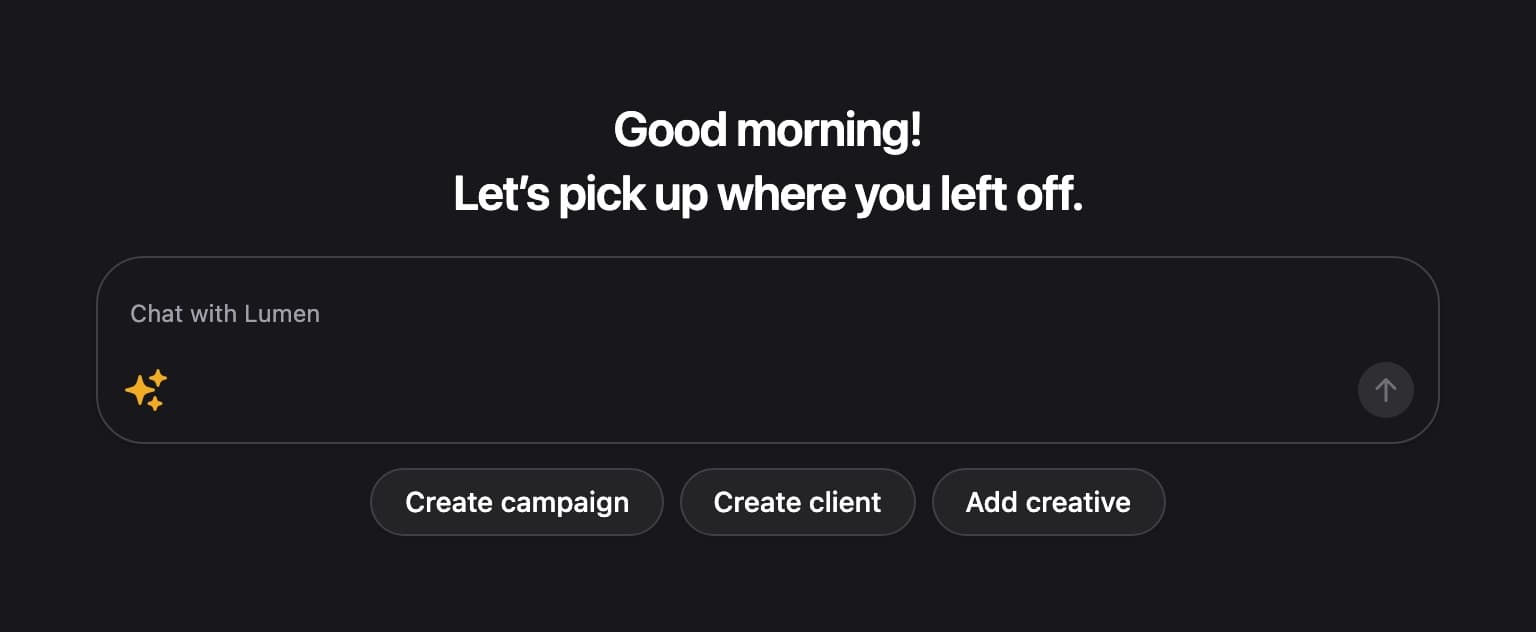
We put Lumen where people start their day, as one line at the top of the Home page, with suggested questions picked for the user’s role.
Answers from real data, safely
A good assistant answers from your customer’s own records, not from a generic guess. To do that, you give the model a small set of tools, such as “search campaigns” or “list devices”, that it can call to look things up. It never gets direct access to the database.
Two rules kept Lumen safe:
- Read-only. Every tool only reads data. Lumen can’t edit a campaign or change what plays on a screen. When a user wants a change, it links them to the right page instead.
- Same permissions as the user. Lumen runs as the signed-in user and only gets the tools their team role allows. An editor can ask about campaigns but not devices, and a contributor only gets help docs.
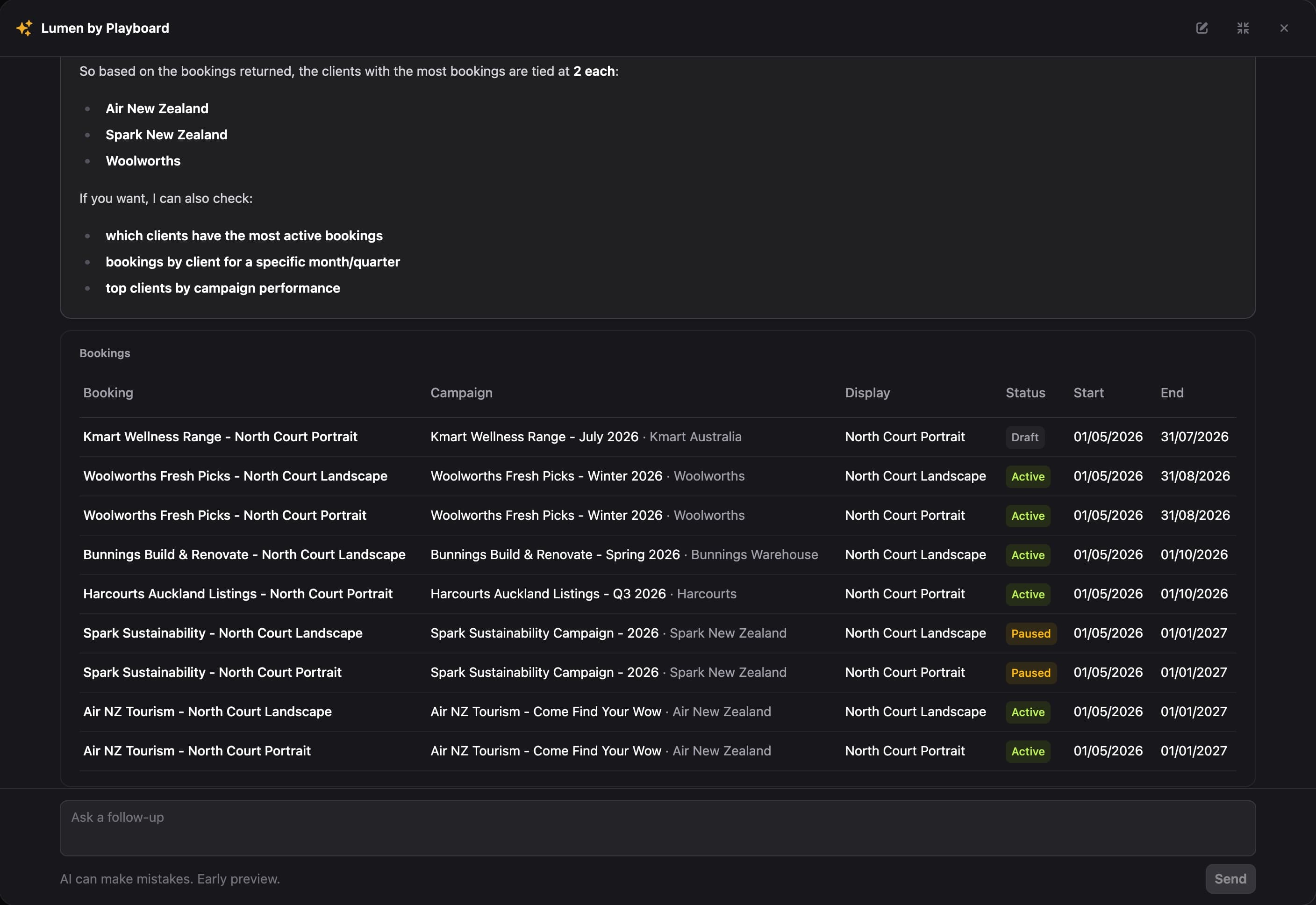
Results come back as tables the user can click through, not just a wall of text. That makes it easy to check the source, which matters because AI can still get things wrong.
Help docs your users never read
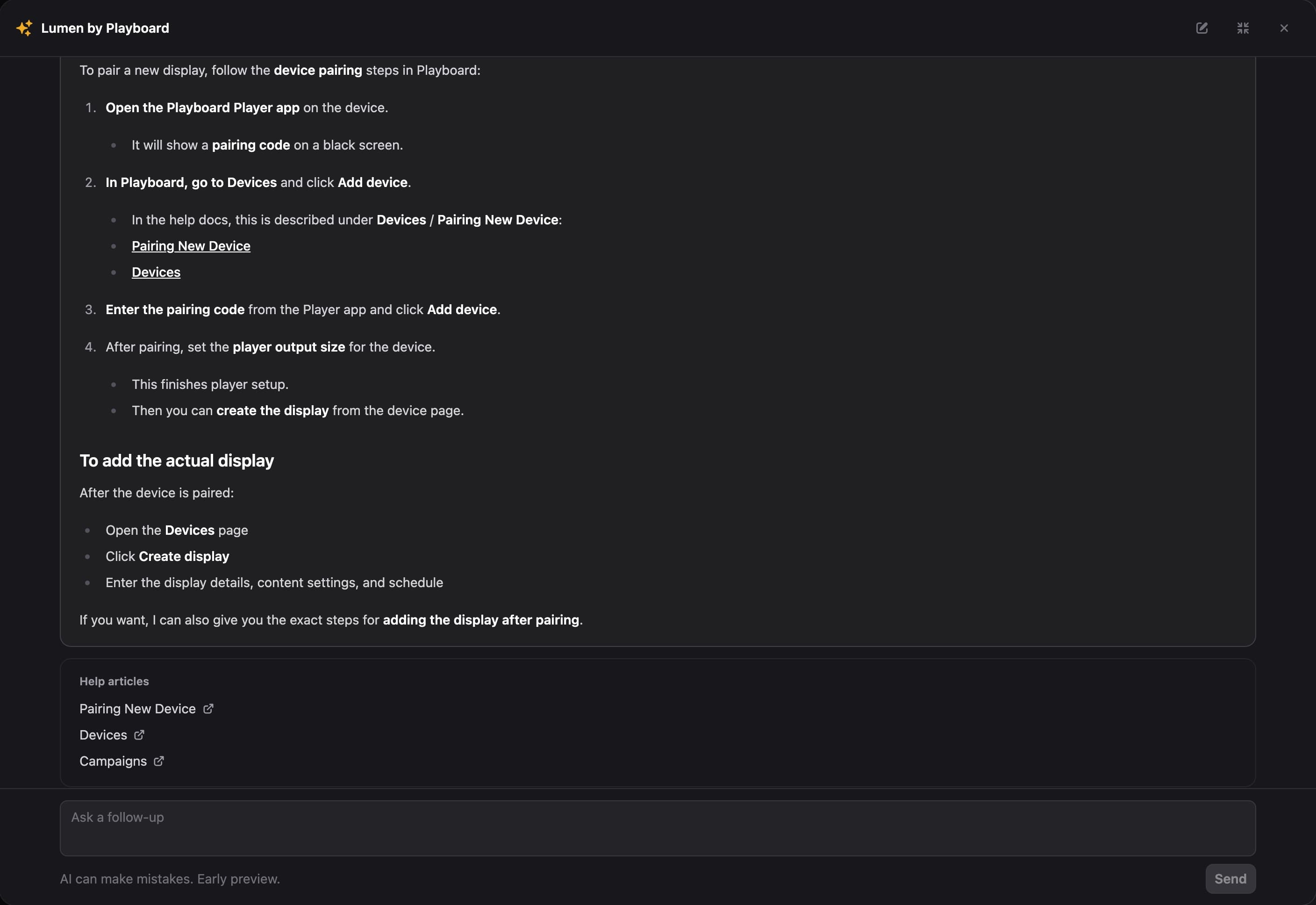
Most products have a help center that few people open. We gave Lumen a tool that searches the Playboard help docs, so “How do I pair a new device?” gets real steps with links to the matching articles. Your users get unstuck without waiting on support.
If your docs are already in Markdown, publishing an llms.txt file is an easy way to make them available to an assistant.
Keeping the bill under control
AI costs scale with usage, so plan for it from day one. Lumen is included on every Playboard plan, with a few limits in place:
- A short limit on the length of each question.
- Older messages drop out once a chat gets long, so the cost of each follow-up has a ceiling.
- A daily and weekly fair-use limit per user, shown in the chat box with the time it resets.
We use a smaller, fast model through OpenAI’s paid business API, which also means customer data isn’t used to train models. Put that answer on your pricing or FAQ page, because customers will ask.
Bring your own AI
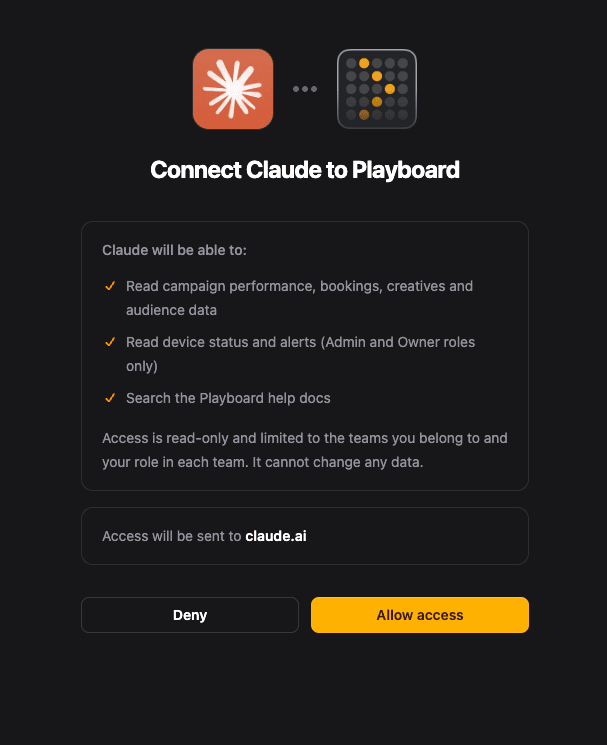
Some of your users already pay for Claude or ChatGPT and would rather ask questions there. We added an MCP server (the open standard that lets AI apps connect to other services) that shares the same tools and the same role rules as Lumen.
Users connect their AI app from their account settings and sign in with their Playboard account. Their own AI plan covers the cost, so our usage limits don’t apply. It’s also a nice option for power users who hit the Lumen limit.
Try Lumen
An assistant is worth building when it answers real questions from real data, safely and at a cost you can predict. That’s the bar we set for Lumen, and it’s included on every Playboard plan.
You can see what Lumen can answer on the Playboard AI page, or read how it works in the help docs. If you run a digital signage network, request a free trial and ask it about your own displays.